


Players rating
BC Game Iceland: Crypto Casino, Sportsbook & Wallet
Join BC Game























































































Play Casino and Sports at BC Game Iceland
At BC Game Iceland, we bring our casino, sportsbook, Wallet, promotions and security tools together under one login. You can explore more than 1,000 slots and bet across more than 80 sports. Your balance and account history stay connected when you move between Slots, Live Casino, BC Originals, Sports, Lottery, Bingo or another product displayed in the current navigation.
Ready to explore BC Game from Iceland? Sign in, open our live lobby and Wallet, and see exactly what is available to you. We update games, sports markets, crypto networks, limits, fees and campaign availability as our service changes. Your signed-in account and the terms attached to each product always give you the latest details.
What the BC Game account records
- Casino: slots, live dealer tables, table games, game shows, bingo, crash formats, BC Exclusives and BC Originals.
- Sportsbook: pre-match and live prices, Bet Slip settings, active tickets and settled results in My Bets.
- Wallet: balances, Deposit, Withdraw, Swap, Transaction, Rollover and Bet History where available.
- Security: verified email or phone, password management, Google Authenticator 2FA and session protection.
- Support: Live Support, Help Center, [email protected] and official social channels for public announcements.
How We Keep BC Game Iceland Transparent
We publish Twocent Technology Limited, a Belize company registered under number 000041939, as our operator. We also publish Anjouan gaming licence ALSI-202410011-FI1 from the Union of Comoros. We list it as our international gaming licence; it is not an Icelandic gambling licence and should not be presented as one.
Our international licence does not automatically make every real-money product available in every location. Before registering, depositing or betting, confirm the age requirement, restricted-country rules and any legal conditions that apply to you. When the live service blocks a location, product or payment route, do not attempt to bypass that restriction.
How to read the published licence record
We publish our operator name, company number and licence identifier separately so you can check each record. The company number identifies the legal entity published by BC.GAME, while ALSI-202410011-FI1 identifies the Anjouan gaming authorisation shown by the platform. Neither item confirms that every product is available in Iceland. You still need to meet our account, age, location and restricted-country checks. Our live Terms, restricted-country list and product screens remain the source to check if any country page, cached result or third-party summary conflicts with the account. Record the document or screen date when a licence or access question needs support review.
Explore Slots, Live Tables and BC Originals
We organise our casino lobby into clear categories, so you can find a game without scrolling through one long list. You can find Pragmatic Play releases such as Sweet Bonanza 1000, Evolution live products and game shows, JILI titles such as Fortune Gems, PG Soft mobile-focused slots and BC.GAME in-house formats. Use Search and Providers to check what you can play right now.
BC Originals includes games such as Plinko, Mines, Dice and Crash. Compatible originals expose Provably Fair information for checking a completed round with the available seed and hash data. Verification does not predict the next result and does not turn a random game into an investment product.
Search, provider and game-information controls
Use named titles as examples when you browse, then confirm the current game in our live lobby. Search can return several editions of a game, while the Providers filter narrows the studio. Open the chosen title and read its current paytable, stake interval, feature rules and currency unit. If an active Casino Bonus matters, verify contribution in Rollover after a small qualifying wager. For live tables, the provider, language, table name and minimum can distinguish several visually similar rooms. For slots, editions with similar names can have different mechanics. The game information opened from the exact lobby card is therefore more reliable than a search-engine snippet.
Start with 60 Free Spins and First 4 Bonuses
We keep registration spins separate from our First 4 deposit campaign, making every reward easier to follow. If your new account is eligible, you receive 60 Free Spins in three sets of 20. We release the later sets roughly 24 hours apart; each set has its own claim and use window. Winnings from these spins come with a 60x wagering requirement and a $5 winnings cap per set of 20.
Before the first eligible deposit, the cashier can display No Bonus, Casino Bonus and Sports Bonus. The selection matters. Casino Bonus uses casino contribution and 45x wagering rules, while Sports Bonus uses sportsbook wagering, FreeBet and minimum-odds conditions. No Bonus avoids attaching First 4 terms to that deposit.

60 Free Spins over three claim windows
Eligible new accounts receive 20 spins after registration, followed by two further sets of 20 around 24 hours apart. Each set has its own claim and use deadline.

First 4 Casino: four separate deposit tiers
We currently list the four tiers as 120%, 100%, 150% and 100%. Open the live campaign to confirm your cap, eligibility and wagering conditions.

Sports route with FreeBets and 10x wagering
Sports Bonus balances and eligible FreeBet winnings use sportsbook rollover rules, including the published minimum qualifying odds.
Building a claim calendar for the 60 spins
The three spin sets are independent claim events. Record the time the first set becomes available, its claim deadline and its separate use deadline; repeat the check when the next set appears. A notification that another set is scheduled does not extend an earlier deadline. Rollover should be checked after credited winnings because the 60x condition applies to the published spin winnings rather than to the notional value of the spins. If a set does not appear at the expected time, avoid creating another account or depositing merely to trigger it. Capture the Promotions view and registration time and ask support to check eligibility. The published $5 cap applies separately to each set, not as a single $15 cash credit.
Keep Cash, Casino Bonus and Sports Bonus separate
Wallet labels identify which balance is being used. Casino turnover does not automatically satisfy Sports Bonus wagering, and a settled sports ticket does not automatically advance Casino Bonus rollover. If more than one reward is visible, open its individual detail before betting. This prevents a valid wager in the wrong product from being mistaken for qualifying progress. When the cashier permits a campaign choice, make it before funds are sent. A blockchain transfer proves movement to an address but does not prove that the desired promotional balance was selected. The campaign confirmation and Rollover record that account-side decision.
The live campaign can also impose a maximum qualifying amount, expiry or account-specific eligibility rule beyond the headline. Save the campaign name and activation confirmation so support can identify the exact terms attached to the account. If the account displays several balances, note which one decreases when a wager is accepted and which one receives a settlement. That observation, together with Rollover, distinguishes ordinary cash activity from promotional activity without guessing from the total balance. It is especially useful when a Free Spin reward and a deposit match overlap in the promotions area.
BC Game Iceland at a Glance
 Brand Brand | BC Game Iceland / BC.GAME |
|---|---|
 Operator Operator | Twocent Technology Limited — Belize registration 000041939 |
 Published licence Published licence | Anjouan, Union of Comoros — ALSI-202410011-FI1; not an Icelandic licence |
 Casino catalogue Casino catalogue | 1000+ advertised slots plus live dealer, table, crash, bingo and BC Original formats |
| Sports coverage | 80+ sports with pre-match and in-play markets, Bet Slip and My Bets |
| New-account spins | 60 Free Spins divided into three sets of 20 under the current published terms |
| First Casino tier | 120% up to $500 plus 100 Free Spins under the current First 4 campaign |
 Casino wagering Casino wagering | 45x on the combined qualifying deposit and bonus balance; contribution varies by category |
 Account controls Account controls | Wallet, Transaction, Rollover, Bet History, Security, 2FA and Live Support |

Join BC Game Iceland in a Few Steps
Click Sign Up to open our current BC.GAME registration panel. You can currently choose email, phone, Google or Telegram. Create only one account and use a contact method you control. A second profile under another provider can complicate verification, bonuses and account recovery.
Register with email
- Select email registration and enter an address you can access immediately.
- Create a unique password that is not reused on an exchange, wallet or email account.
- Enter an eligible referral or promo field only when the live form displays it.
- Submit the form and complete the email verification message.
- Open Security, review the connected email and enable 2FA before holding a larger balance.
Register with phone, Google or Telegram
For phone registration, choose the correct country code, enter the number and complete the one-time verification step. Use Google or Telegram to create or open your account through the same provider. Return through the same provider later; choosing another method can produce a separate profile instead of opening the intended account.
Four checks immediately after registration
- Confirm the email address or phone number shown in Security.
- Enable Google Authenticator only after saving the recovery key privately.
- Review Promotions before the first deposit and decide whether you want Casino Bonus, Sports Bonus or No Bonus.
- Verify the official domain or an official mirror before entering credentials.
Avoiding duplicate accounts during registration
Use one controlled identity route and return through it. If the original profile was created with Google, selecting email registration with the same visible address can still create a separate account record. Before submitting another sign-up form, try the connected provider, password recovery or Live Support. Duplicate profiles can separate balances, verification and promotion history. Verification and recovery depend on the information attached to the intended profile. Note the masked email or phone shown in Security and the provider button used to open it. Support can then distinguish a recovery case from a request to merge activity across profiles.
Get Back into Your BC Game Account
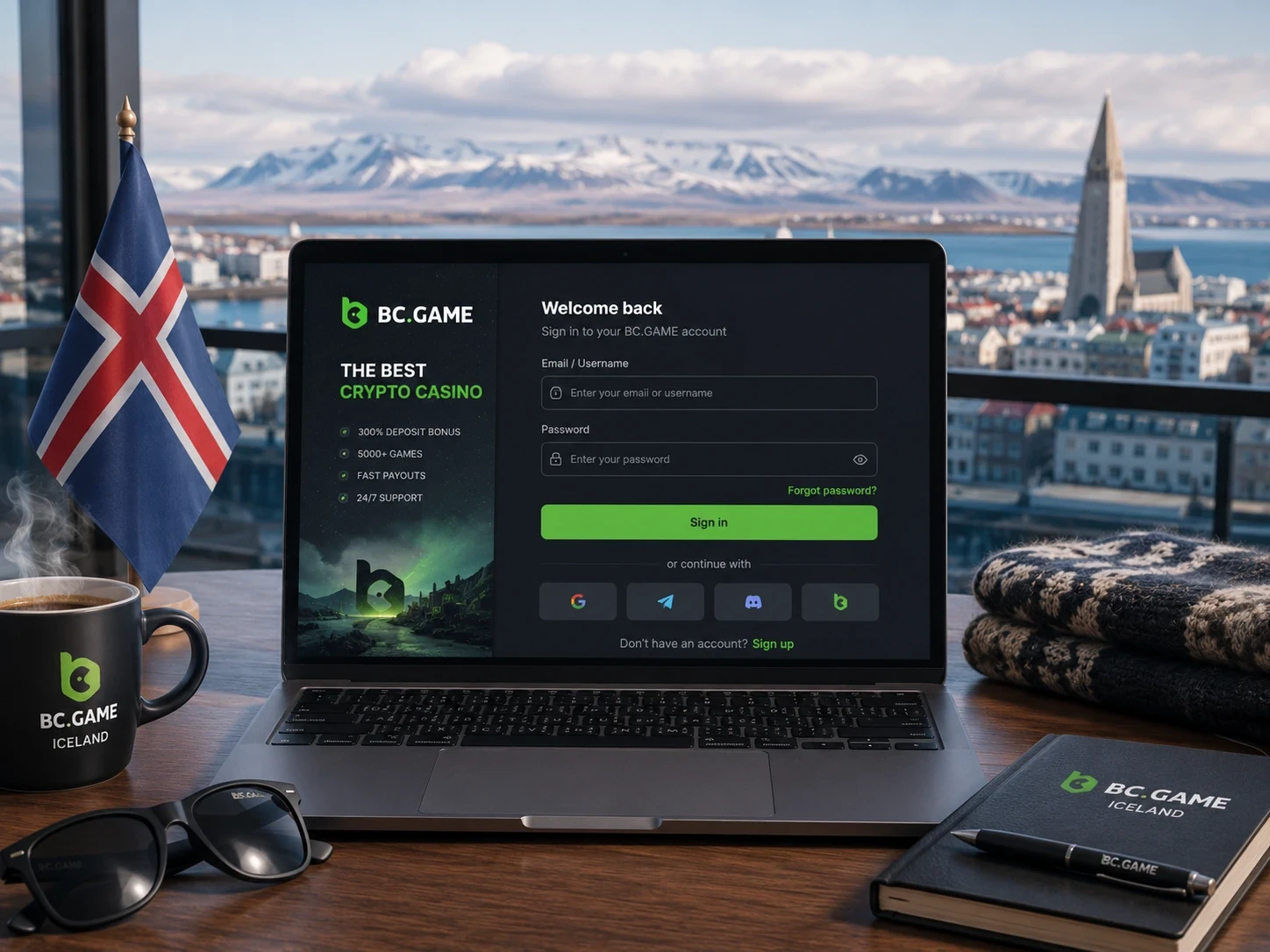
Email and phone accounts use the identifier and password linked during registration. Connected accounts use the original Google or Telegram button. If 2FA is active, enter a fresh six-digit authenticator code. Codes expire quickly, so a code that has rolled over should not be reused.
Password reset and security holds
Use the official forgotten-password flow tied to the verified contact route. Our security rules state that changing your password can restrict withdrawals for 24 hours; disabling 2FA can create the same 24-hour withdrawal restriction. Our support team will never need your password, wallet seed phrase, private key or current authenticator code.
Verify the domain before entering a password
A copied logo, familiar colour scheme or Iceland image does not prove that a sign-in page is genuine. Read the complete hostname, open an official route independently and reject a page that asks for an exchange password, wallet seed phrase or private key. Bookmarking a verified route reduces reliance on links in search ads, private messages and shortened URLs. A genuine recovery page should use the verified contact route and should not request a fresh deposit. If a sign-in alert arrives unexpectedly, secure the connected email or provider, review sessions and contact official support from a separately opened verified page.
When a connected provider opens its own authorisation page, confirm that the browser has actually moved to that provider. Return to BC.GAME only after the provider reports a completed connection. Use a separate browser tab opened from a trusted bookmark to compare the recovery route. Do not follow a chain of redirects from a message that claims immediate account suspension. Official support can review a timestamped security alert, but it cannot make a request for a seed phrase, private key or remote device access legitimate.
Fund Your Wallet with Crypto
When you deposit crypto, the coin name alone does not define the transfer network. Open Wallet > Deposit, choose the asset and then choose the exact blockchain network. Copy the displayed address or scan its QR code. If the cashier supplies a Memo, Tag or Destination ID, that secondary value is part of the destination instruction.
- Open Wallet and select Deposit.
- Choose the cryptocurrency you intend to send.
- Select the same network in BC.GAME and in the sending wallet or exchange.
- Copy the address and any required Memo, Tag or Destination ID.
- Review the address, network and amount before approving the transfer.
- Keep the TxID and check Wallet > Transaction until the required confirmations are complete.
XRP, XLM and EOS can require secondary destination data. USDT can be available on several networks; an ERC20 instruction is not interchangeable with a TRC20 instruction. Transfers are normally irreversible, so a small test transfer can reduce the impact of a wrong address or network.
Confirmation thresholds and network status
A deposit address does not determine when credit appears. The sending service must broadcast the transfer, the network must include it, and BC.GAME must wait for its required confirmation threshold. Transaction can therefore remain pending after a TxID exists. Check the blockchain explorer for the selected network rather than resending the same amount immediately. Network congestion and exchange processing are separate delays. The exchange can mark a withdrawal pending before a public hash exists, while BC.GAME cannot observe the transfer until broadcast. Once confirmed on-chain, compare the destination and any secondary identifier with the live deposit instruction.
Evidence for a delayed crypto deposit
Prepare the TxID, asset, network, amount, exact destination, required Memo or Tag and sending time. These values let support distinguish an unconfirmed transfer, a confirmed transfer awaiting credit and a transfer sent on an unsupported network. A screenshot of a wallet balance without the transaction hash is not an equivalent reference. Do not publish the full case history in a public social post. A TxID is public data, but linking it with an account name, email and exact support conversation can expose unnecessary information. Send the factual reference through the authenticated support route.
If the sending exchange combines withdrawals in one blockchain transaction, provide its withdrawal reference as well as the public TxID displayed after processing. A delayed credit should be investigated before another transfer is attempted. Repeating a payment with the same wrong network or missing destination tag creates a second recovery problem rather than fixing the first. When support confirms that manual review is possible, retain the original sending-service receipt as well as the blockchain reference until the credited amount appears in Transaction.
Choose Your First Deposit Bonus
Choose the campaign before paying
When the deposit flow presents bonus choices, select the intended balance before sending funds. Casino Bonus attaches casino wagering and game-contribution terms. Sports Bonus attaches sportsbook and FreeBet conditions. No Bonus leaves the deposit outside First 4 campaign mechanics. Confirm that the intended campaign appears after crediting.

Confirm the cashier result before wagering
After the first deposit credits, reopen Wallet and the campaign detail. Confirm that the intended Casino Bonus, Sports Bonus or No Bonus state is visible before placing a bet. If the selection is absent or different, stop and ask support while the deposit reference and activation time are still easy to identify. The same review should include the credited amount and currency conversion shown by the account. A headline percentage may be denominated by the campaign display, while the selected crypto amount is determined by the live cashier at credit time.
Bet on 80+ Sports
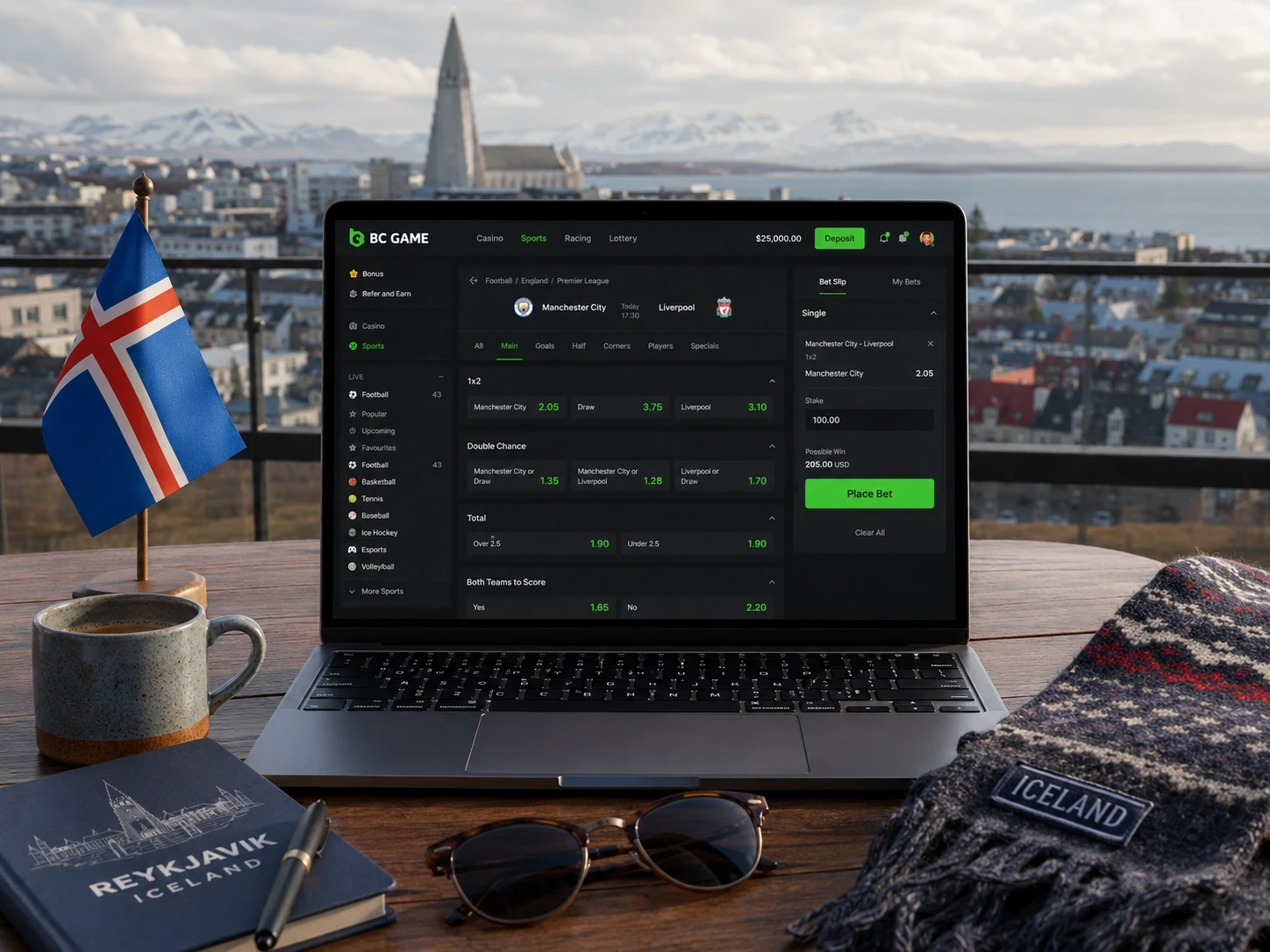
Our sportsbook covers more than 80 sports. You can bet on football, basketball, tennis, ice hockey, American football, baseball, table tennis and esports such as Counter-Strike and Dota 2. Open Sports to see today’s pre-match and live events.
- Open Sports and choose a sport, competition and event.
- Select a market and add its price to the Bet Slip.
- Choose a single or an available multiple format.
- Enter the stake and review accepted odds, potential return and any price-change setting.
- Confirm the ticket and open My Bets to verify its status.
Sports Bonus and FreeBet controls
Eligible Sports Bonus balances and FreeBet winnings use 10x sportsbook wagering under the published First 4 terms. Qualifying bets require minimum odds of 1.5. Cancelled, voided and cashed-out tickets do not count toward the published requirement. Check Rollover and My Bets instead of estimating progress from stake totals.
Accepted odds control a submitted ticket
A market price can change between selection and confirmation, especially in live betting. The final ticket should show the accepted odds, stake, market wording and potential return. Price-change settings can accept, reject or limit movement according to the current interface. My Bets is the record to use if the number shown before confirmation differed from the accepted ticket. For multiples, each leg has its own market wording and settlement. Review every selection before confirmation; changing one leg or accepting a moved price can alter the combined odds. A displayed potential return remains conditional until all required legs are settled.
Choose Your Bet Type
| Single | One selection settled on its own market result. |
| Accumulator | Several selections combined; every required leg must satisfy the ticket rules. |
| Moneyline / 1X2 | Winner or three-way result markets depending on the sport. |
| Handicap | A points, games or goals adjustment applied for settlement. |
| Totals | Over/under a published line for an event, team or player. |
| Live market | A market priced while the event is in progress; availability can pause rapidly. |
Pending, settled, void and cashed-out sports tickets
A ticket can remain open while the event or provider feed is unresolved. Settled tickets receive the result recorded under the market rules; void selections normally use the platform settlement shown in My Bets. For promotional wagering, cancelled, voided and cashed-out tickets do not count under the published First 4 Sports conditions, even when cash was briefly committed. Event postponement, abandonment and participant withdrawal can use sport-specific settlement rules. Open the ticket detail rather than applying a rule from a different competition. When a result is challenged, provide the Bet ID and market wording instead of only the event score.
Track Your Casino Bonus in Rollover
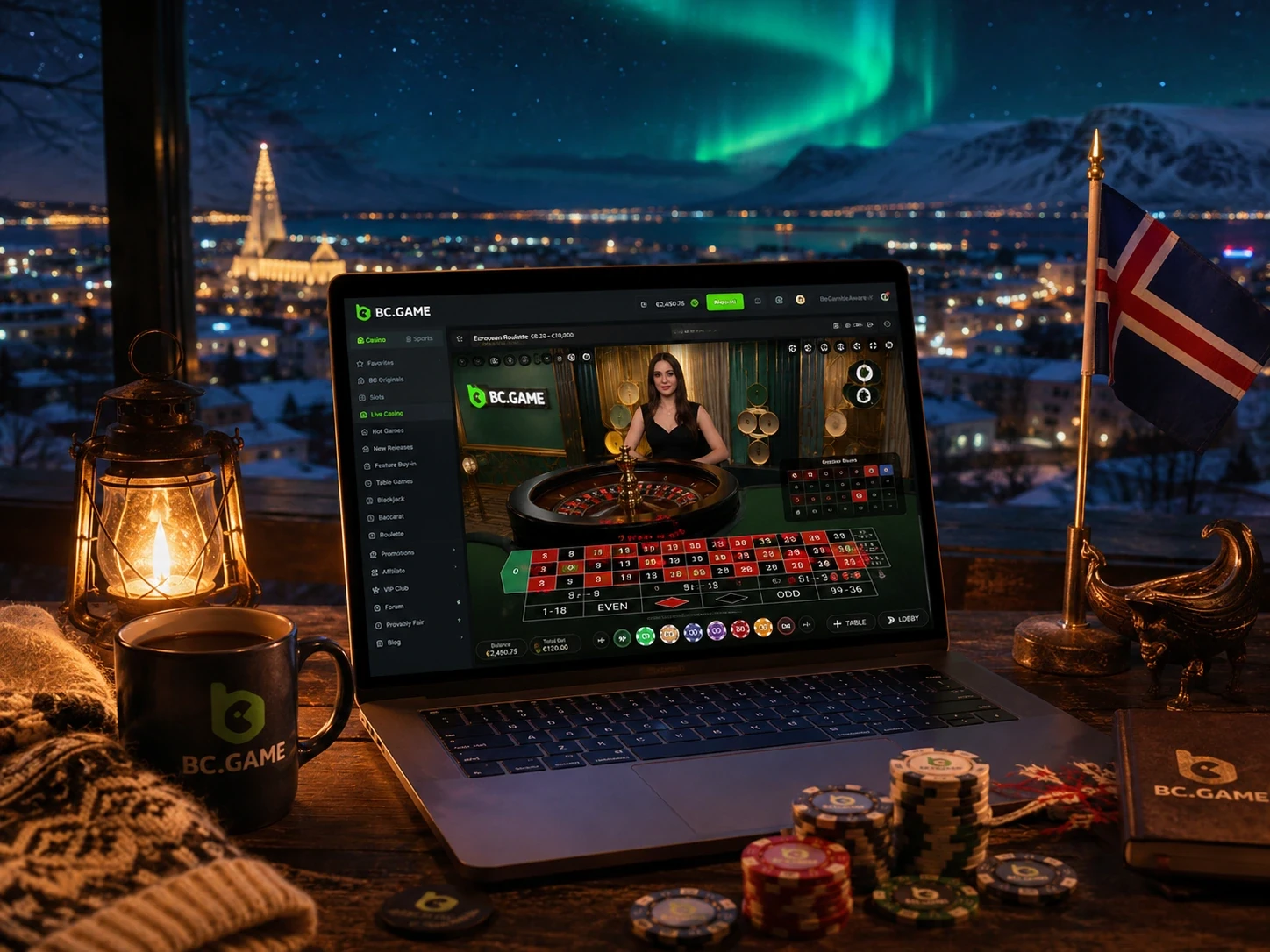
Not every casino game moves your First 4 progress at the same rate. Our published terms list third-party slots at 0–100% depending on the title and BC Originals at 5%. Live Casino, Table Games, Lottery, BC Poker and Trading are excluded from the current First 4 casino contribution. Open Avatar > Wallet > Rollover to see actual progress.
Excluded products explain uneven casino progress
Live Casino, Table Games, Lottery, BC Poker and Trading are excluded from current First 4 Casino contribution, and BC Originals contribute 5%. Third-party slots vary between 0% and 100%. Check the contribution table before choosing a game and then use the recorded Rollover figure. Total stake alone cannot reconstruct progress when rates differ. This also explains why switching repeatedly between categories can leave a requirement almost unchanged. A contribution percentage measures qualifying turnover, not chance of winning. Choosing a higher-contribution game should never be presented as a way to guarantee recovery of a balance.
Take BC Game Iceland with You
Use the same BC Game account and Wallet on mobile and desktop. On Android, you can play in your browser, add a Home Screen shortcut or follow the current APK instructions when the platform provides them. On iPhone and iPad, open the official site in Safari, tap Share, choose Add to Home Screen and confirm.
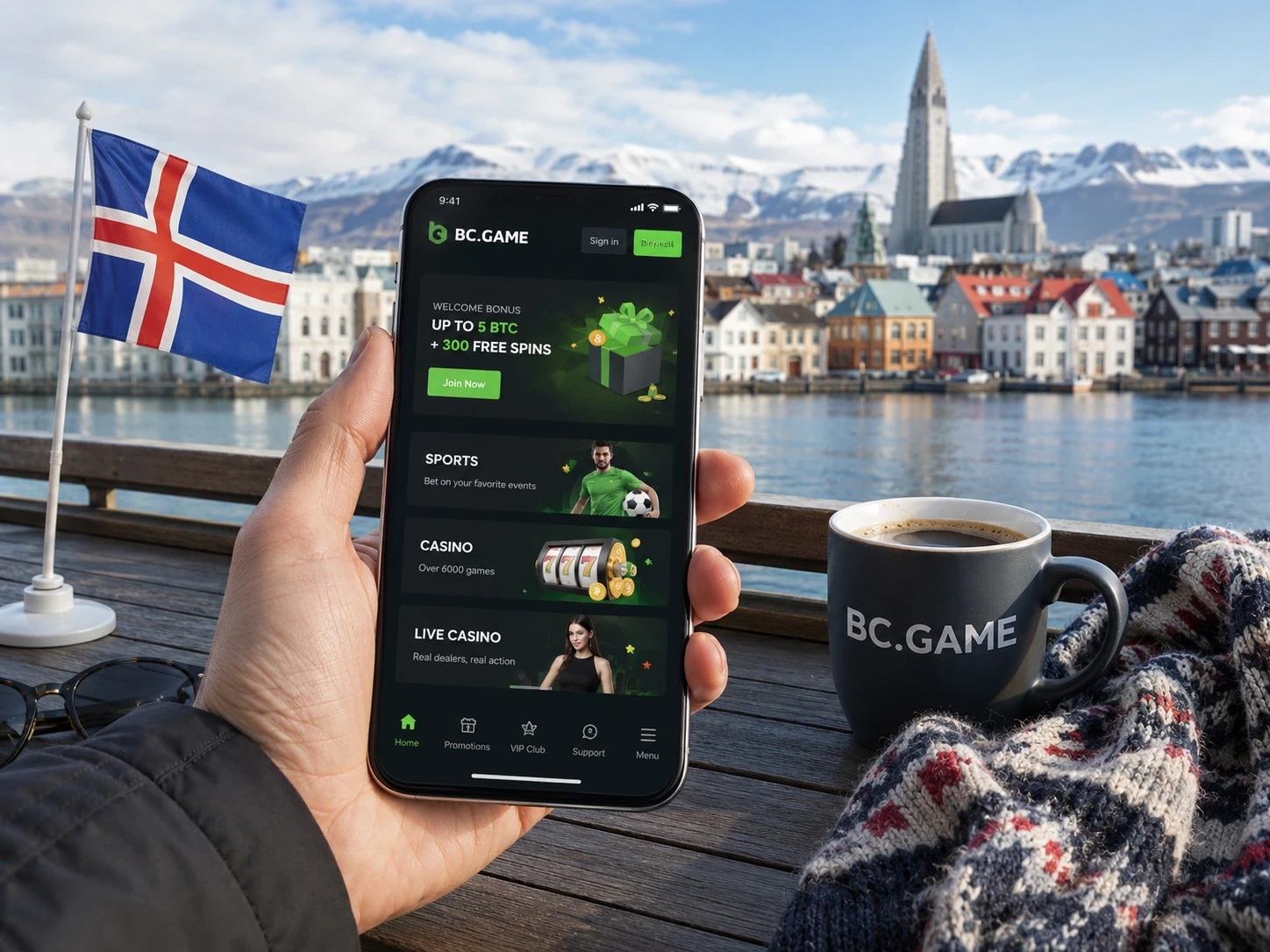
Continuity between desktop and mobile
The mobile browser or shortcut does not create a second Wallet. A deposit started on desktop can be monitored in Transaction on a phone, and a sports ticket submitted on mobile appears in My Bets on desktop after the same account signs in. If records look different, first verify the profile identifier and login provider rather than assuming data has disappeared. The same continuity applies to security. A password change or 2FA change made on one device affects later withdrawals from the account on every device. Sign out of a lost phone by reviewing active sessions rather than assuming a new desktop password erased the old session.
Get Help Whenever You Need It
Our Live Support team is the fastest route for an active account, deposit, withdrawal, bonus, bet or casino-round issue. Use our Help Center for quick instructions and status explanations. You can also email us at [email protected]. Official Telegram and social channels are suitable for public announcements, but credentials must never be sent in a direct message.

Reference details by case type
| Deposit | TxID, asset, network, amount, deposit address and time. |
| Withdrawal | Withdrawal Order ID, asset, network, destination, amount and time. |
| Sports bet | Bet ID, event, market, accepted odds, stake and settlement issue. |
| Casino round | Game name, provider, Round ID, stake, time and displayed result. |
| Promotion | Campaign name, activation time, deposit reference and Rollover screenshot where useful. |
Escalating a support case without exposing credentials
Describe one issue at a time and attach the reference that identifies it. Include timestamps with a time zone and quote the exact status or error. Remove passwords, full recovery secrets and current 2FA codes from screenshots. If a case is escalated, keep the original conversation or ticket number so the next agent can retrieve the same record. Support may request a new screenshot or confirmation after locating the reference, but that request should stay inside the official case. A request to install remote-control software, disclose a seed phrase or move funds to a verification address is not part of normal account investigation.
Unlock VIP Rewards and Manage Your Wallet
Your VIP page can unlock weekly, monthly and Sports Club rewards when they are available to your account. Do not treat a future reward as cash already earned. Review the live VIP page for the applicable level, turnover period, claim window and excluded activity.
Treat VIP rewards as recorded account events
A VIP page can show progress, level, available rewards and claim windows, but an estimated future amount is not an account credit. Record the reward name and period when claiming, then verify the resulting Wallet entry. Questions about missing weekly, monthly or Sports Club rewards should include the period and claim status instead of a general turnover estimate. VIP qualification can exclude products or use net activity over a defined period. The live VIP detail controls that calculation. Do not assume the casino First 4 contribution table is also the formula for a weekly reward or that an unclaimed reward will remain available indefinitely.
Set Your Limits and Stay in Control
Set a spend and time limit before opening a game or sportsbook market. Do not increase a stake to recover a loss and do not use money reserved for rent, food, tax or debt. Open our Responsible Gaming area or contact us to set limits, take a break or request self-exclusion. If gambling stops being entertainment, stop and seek independent help.
Use limits before a session, not after a loss
A practical limit covers money and time. Decide both before opening Slots, Live Casino or Sports, and stop when either is reached. Bonus expiry, a live event or an apparent near win is not a reason to extend the limit. Account breaks and self-exclusion are stronger controls when repeated personal limits are being ignored. A record of deposits and withdrawals can help enforce the budget because it shows actual money moved rather than game turnover. Review Transaction at a fixed interval and include crypto value changes in the amount you are willing to risk, instead of treating token appreciation as free gambling funds.
Get Your Withdrawal Ready
- Open Rollover and confirm that no active bonus requirement remains.
- Check that the email or phone is verified and that required 2FA checks are available.
- Choose the correct receiving asset and network, then verify the address and any Memo or Tag.
- Review the live minimum, fee, final amount and security-hold notice before confirming.
Complete active Rollover before opening Withdraw
A balance displayed in Wallet can include funds that are still subject to campaign conditions. Rollover shows the outstanding target and expiry after contribution has been applied. If the requirement is active, read the promotion terms before cancelling a reward or continuing play because cancellation can affect the associated bonus and winnings. Where cancellation is offered, read the confirmation before accepting it. Removing a bonus can remove its balance or associated winnings. If the choice is unclear, give support the campaign name and Rollover screenshot before taking an irreversible account action.
Withdraw Crypto from Your Wallet
- Open Wallet and select Withdraw.
- Choose the asset and a network supported by the receiving wallet.
- Paste the destination address and enter required secondary destination data.
- Enter the amount and review the fee, minimum and final amount.
- Complete the security confirmations shown by the account.
- Save the Withdrawal Order ID and check Transaction for processing status.
If we display a fiat or provider-specific route, follow the instructions on that screen rather than a generic Iceland payment list. A delayed request should be checked in Transaction first. Our team can investigate with the Order ID and transaction details; it should not ask for a private key or seed phrase.
Track the withdrawal from account record to blockchain
We first show your internal withdrawal request and its status in Transaction. After we broadcast an approved crypto withdrawal, a TxID can be used on the correct network explorer. Processing, broadcast and confirmation are different stages. Keep the Withdrawal Order ID even after a TxID appears because it links the account request to the public transfer. A receiving exchange can also require its own Memo or Tag even when a private wallet does not. Copy the instruction from the receiving service at the time of withdrawal. A correct blockchain address paired with missing account-routing data can still require manual recovery.
Share only the destination, network, amount, Order ID, TxID and relevant time with official support. A receiving wallet seed phrase or private key cannot help locate a transaction and would expose the external wallet. A successful blockchain confirmation only proves delivery to the recorded destination. The receiving exchange or wallet provider controls when it credits an internal account and may require its own reference. If the explorer shows completion but the receiver does not, contact that receiving service with the TxID after confirming the address and routing data.
BC Game Iceland FAQ
What is BC Game Iceland?
BC Game Iceland is our official Iceland-focused home for casino, sportsbook, Wallet, promotions, account security, mobile access and support.
How large is the advertised casino and sportsbook?
We offer 1,000+ slots and coverage across more than 80 sports, in addition to live casino, table games, crash formats, BC Originals, bingo and lottery products.
How are the 60 Free Spins delivered?
Eligible new accounts receive three sets of 20. Later sets arrive roughly 24 hours apart, and each set has its own claim and use deadline under the current published terms.
What is the first First 4 Casino tier?
We currently offer 120% up to $500 plus 100 Free Spins on the first published tier. Open our live promotion page to check your eligibility and current terms.
Can I use Google or Telegram to sign in?
Yes. When we show Google or Telegram, use the same provider you connected during registration.
Where do I check wagering progress?
Open Avatar > Wallet > Rollover. It records the active requirement, expiry and actual progress after contribution rules are applied.
Is the published Anjouan licence an Icelandic licence?
No. ALSI-202410011-FI1 is the Anjouan licence published by BC.GAME. We do not describe it as a licence issued by Iceland.
For any payment, campaign, sportsbook or casino question, begin with the corresponding account record. Transaction, Rollover, My Bets, Bet History and Security give support a traceable reference and reduce reliance on screenshots without context.