

Players rating
BC Game Iceland App: Android, iPhone and Tablet
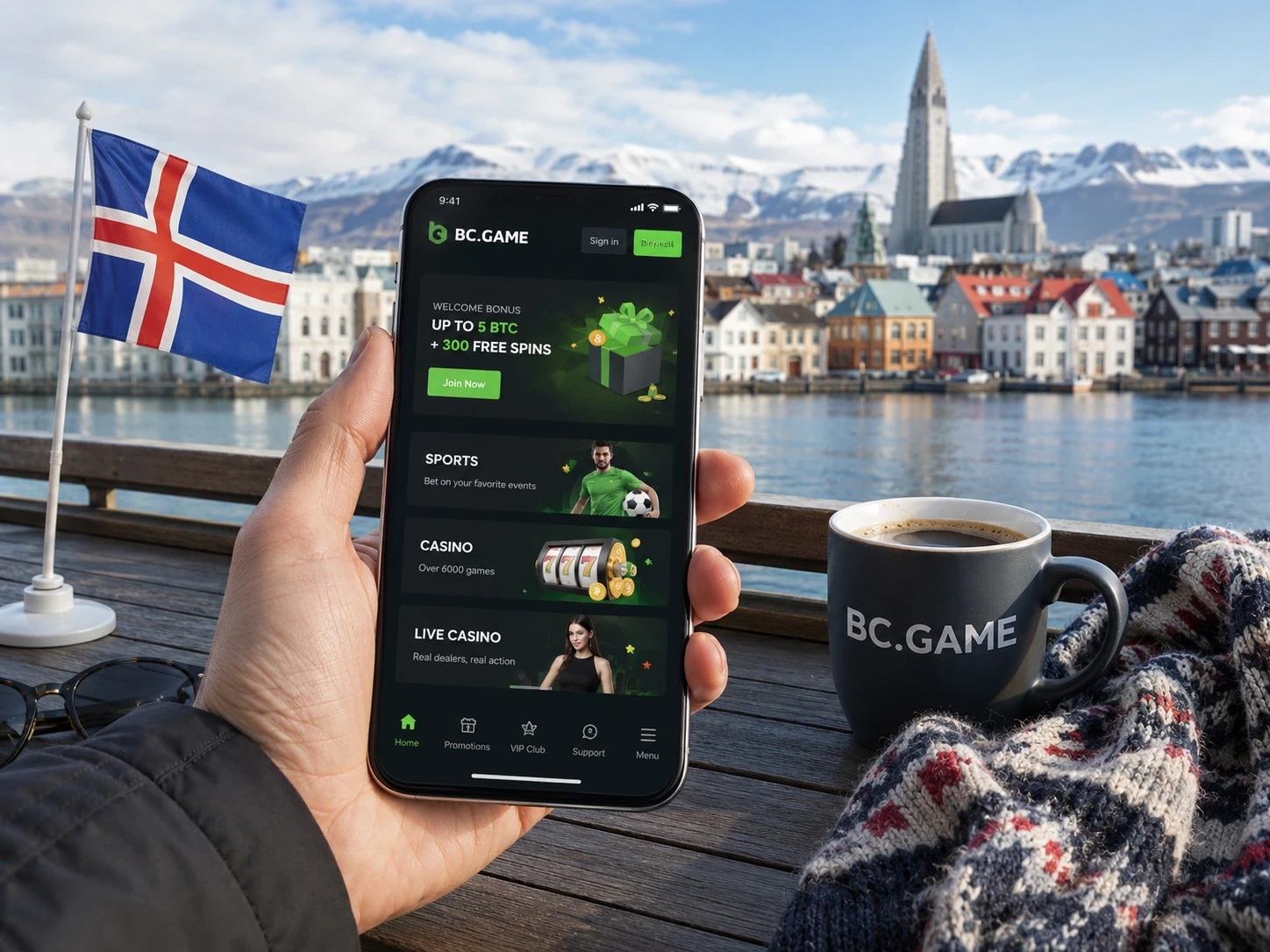
Open on mobilePlay BC Game Iceland on Any Mobile Device
Use our mobile site or app with your existing BC.GAME account. You never need a second casino profile. Casino favourites, sportsbook tickets, balances, Transaction, Rollover and security settings remain tied to the account identity used on desktop. Sign in through the same email, phone, Google or Telegram route that originally created the profile.
Add BC Game to Your Android Home Screen
Start from the official live domain. Android users can play in a supported browser, add the page to the Home Screen, or follow the APK instructions displayed by BC.GAME when that route is available. Do not install a package received through an unsolicited message or an unrelated download site.
Android installation checks
- Open the official BC.GAME page and navigate to its mobile download area.
- Confirm that the address belongs to the live platform or an official mirror.
- Download only the package linked by that page.
- If Android asks for permission to install from the browser, limit the permission to that installation and disable it afterwards.
- Open the installed route, sign in and verify that Wallet and Security show the expected account.
Browser shortcut without an APK
In Chrome or another supported browser, open the live site menu and select Add to Home screen or Install app when offered. The shortcut uses the browser engine, so clearing browser data or changing the default browser can affect stored sessions. It does not remove balances or records from the account.
Add BC Game to iPhone or iPad
- Open the verified BC.GAME address in Safari.
- Tap the Share icon.
- Choose Add to Home Screen.
- Review the displayed name and domain.
- Tap Add and open the new icon.
Data that remains synchronized
| Account | Same email, phone or connected provider. |
| Wallet | Same balances, Deposit, Withdraw and Transaction records. |
| Casino | Same lobby availability, favourites and round history where displayed. |
| Sportsbook | Same Bet Slip account and My Bets tickets. |
| Promotions | Same campaign activation and Rollover requirement. |
| Security | Same verification, password and Google Authenticator settings. |
Mobile login and recovery
Use the provider originally connected to the account. A Google-created profile should be opened with Google; a Telegram-created profile should be opened with Telegram. For password accounts, use the verified email or phone. Complete 2FA with a fresh six-digit code and use the official recovery flow if the password is lost.
Deposit Crypto from Your Phone
- Open Wallet > Deposit and choose the asset.
- Choose the exact network before copying the destination.
- Copy the address and any Memo, Tag or Destination ID.
- Switch to the sending wallet and select the same network.
- Review the first and last characters of the address after pasting.
- Save the TxID and follow the status in Transaction.
Memo, Tag and confirmation problems
XRP, XLM and EOS can require additional destination data. A correct main address with a missing tag can still need manual review. For multi-network assets such as USDT, ERC20 and TRC20 are different routes. Never choose a cheaper network unless the receiving Wallet explicitly supports it.
Enjoy Casino and Sports on a Smaller Screen
- Rotate only when the live game supports landscape mode.
- Open the game rules before hiding browser controls.
- Check the accepted sportsbook price after any live-odds change.
- Use My Bets and Transaction rather than relying on notification banners.
- Lock the phone and sign out when using a shared device.
Fix Common Mobile Issues
For a blank lobby, frozen game or failed login, first verify the domain and network connection. Update the browser, close stale tabs and retry without a VPN or content blocker that changes scripts. Do not clear storage until you have confirmed that recovery and 2FA are available. Preserve a timestamp, device model, operating-system version and screenshot for support.
A mobile shortcut should be treated like any other authenticated browser session. Review active sessions in Security after a lost or replaced phone, protect the device with a screen lock and do not leave the authenticator recovery secret in the same photo gallery as a login screenshot. Compare the account identifier shown on mobile with the desktop profile before troubleshooting a missing balance or campaign. This prevents a connected-provider login from being mistaken for a password profile with a similar visible email.
A live casino stream can require more bandwidth than a sportsbook market list. If a round disconnects, reopen the same game and use its history before assuming the stake was lost; a Round ID and timestamp allow the provider record to be checked. Keep the operating-system and browser versions with a Round ID when a mobile game repeatedly disconnects at the same stage. Device details also help reproduce landscape, browser-engine and embedded-game behaviour that a desktop screenshot cannot show.
For live sports, notification delay and screen refresh do not define settlement. My Bets stores the accepted market and official account status. Preserve the Bet ID before changing device or network when a ticket appears inconsistent. For a deposit, the copied network instruction matters more than the network last used by the sending app. If a QR code is used, inspect the resulting address and network before authorising the transfer in the sending wallet.
Updates to an APK, shortcut or browser do not change campaign rules. Rollover, expiry and contribution still belong to the account, so check them again after updating rather than relying on a cached promotion banner. After changing phones, test recovery and 2FA before starting a withdrawal that may also trigger account security checks. A working sign-in test confirms that the authenticator clock and recovery route are available before the old device is erased.
BC Game Iceland mobile FAQ
Do I need a separate mobile account?
No. Browser, shortcut and available Android routes use the same BC.GAME account and Wallet as desktop.
How do I add BC Game to an iPhone?
Open the official page in Safari, tap Share, select Add to Home Screen and confirm Add.
Where do I check a mobile crypto deposit?
Open Wallet > Transaction and keep the TxID, asset, network, amount and destination details for a delayed transfer.